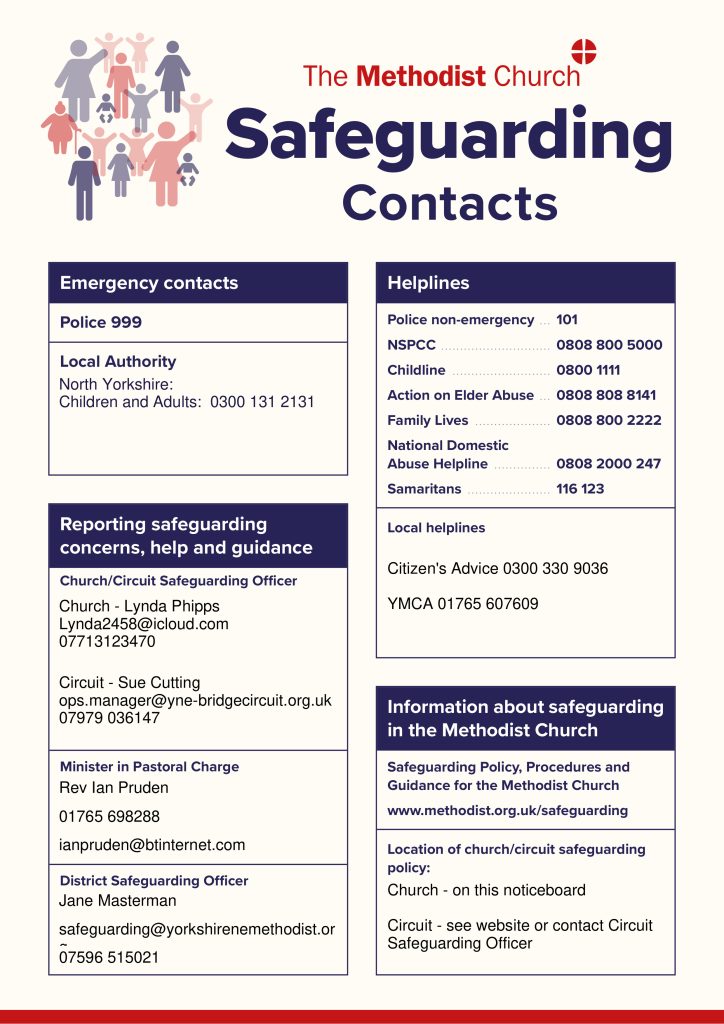
AMENDMENT TO THE DISTRICT SAFEGUARDING OFFICER.
As of 1st August 2025, Karen is our primary contact for concerns relating to case work. She is also the Regional Safeguarding Manager, North East. allenk@methodistchurch.org.uk 020 7467 5229 |
Mobile: 079 6929 2581
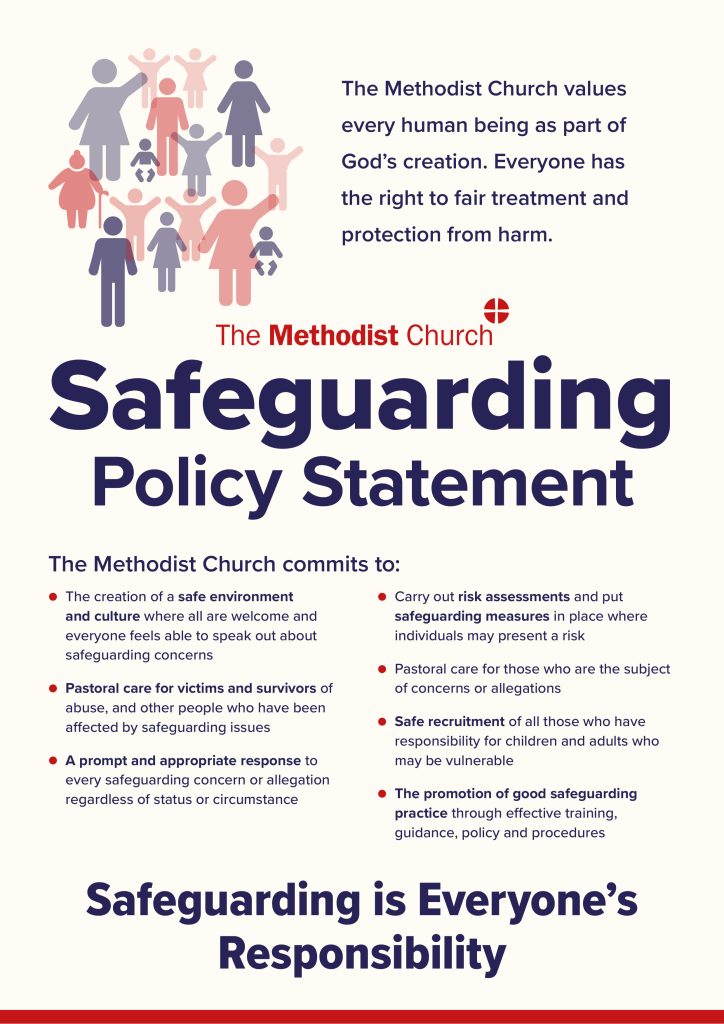
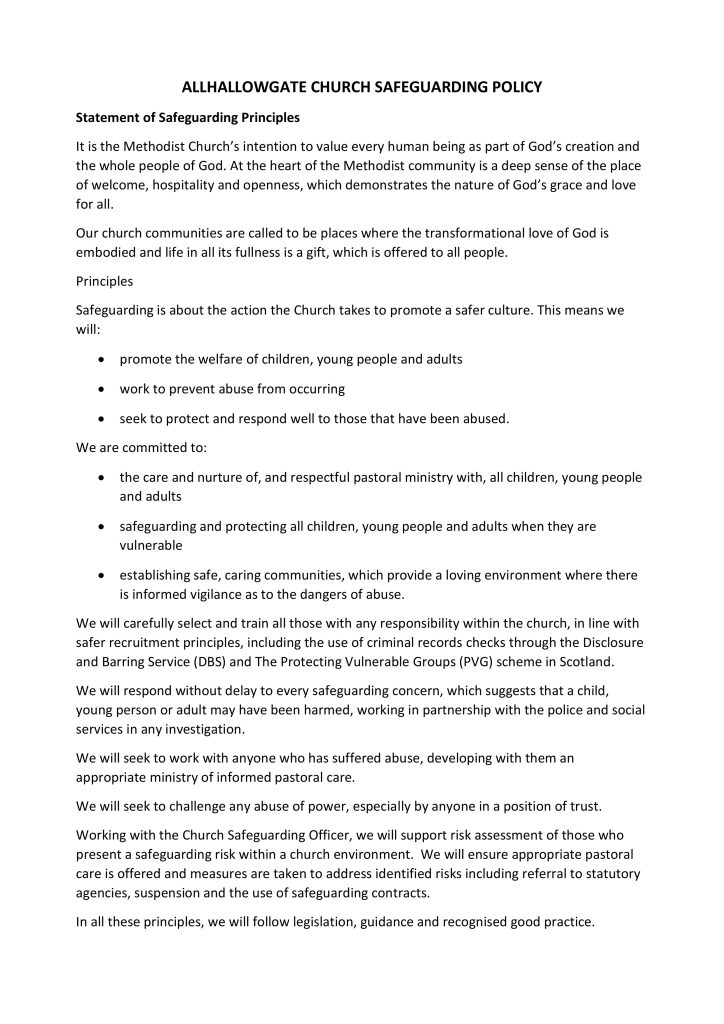
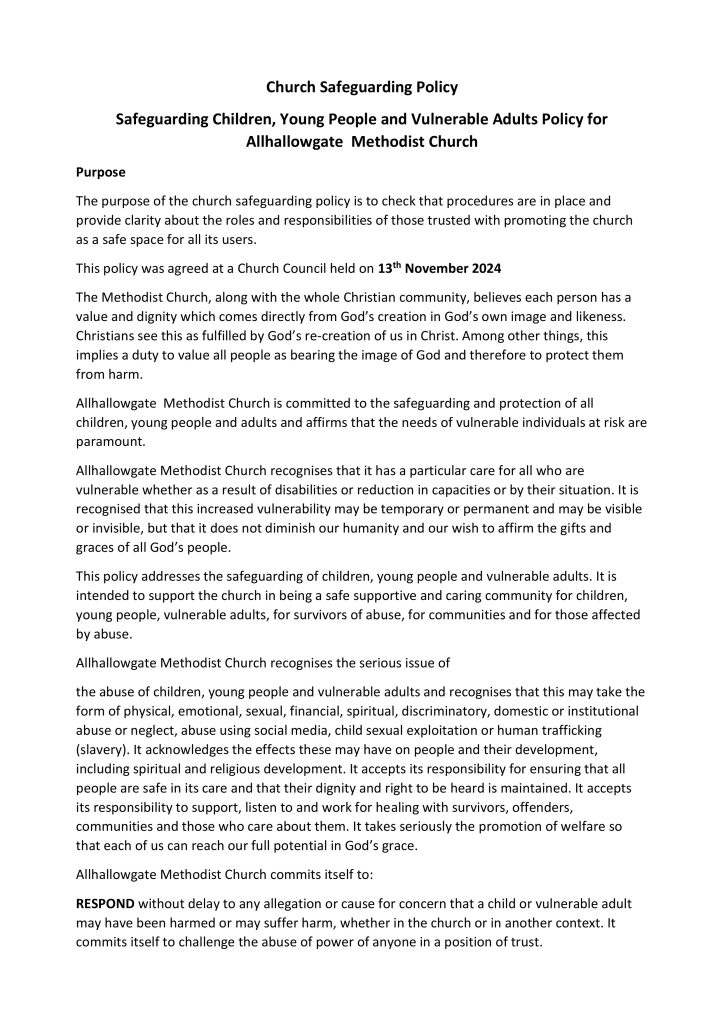
SAFEGUARDING POLICY
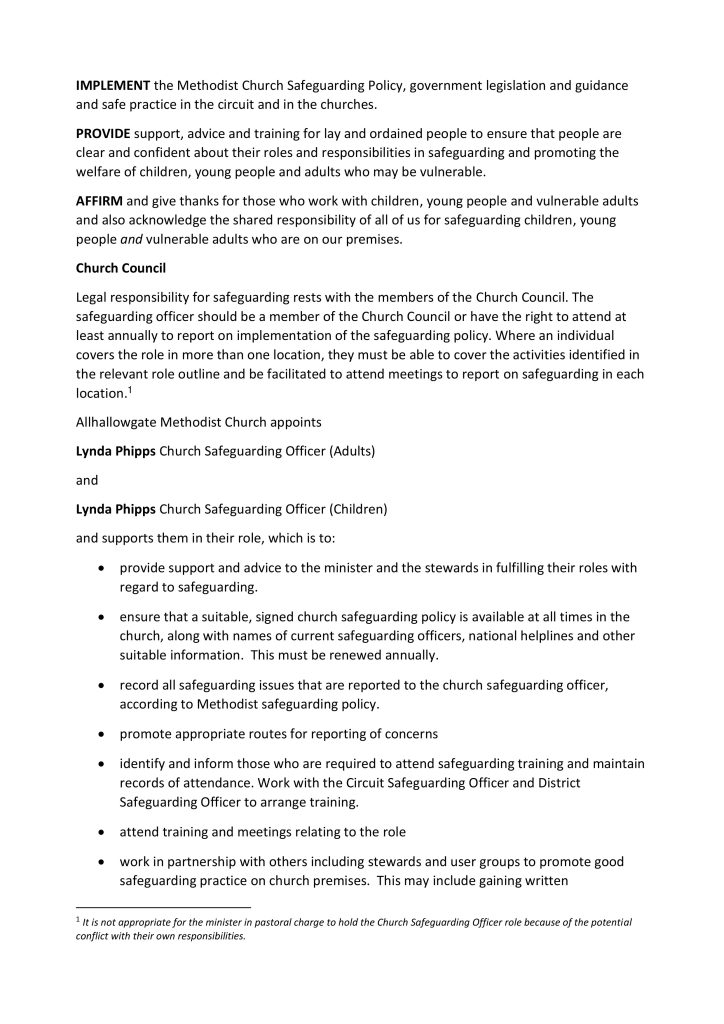
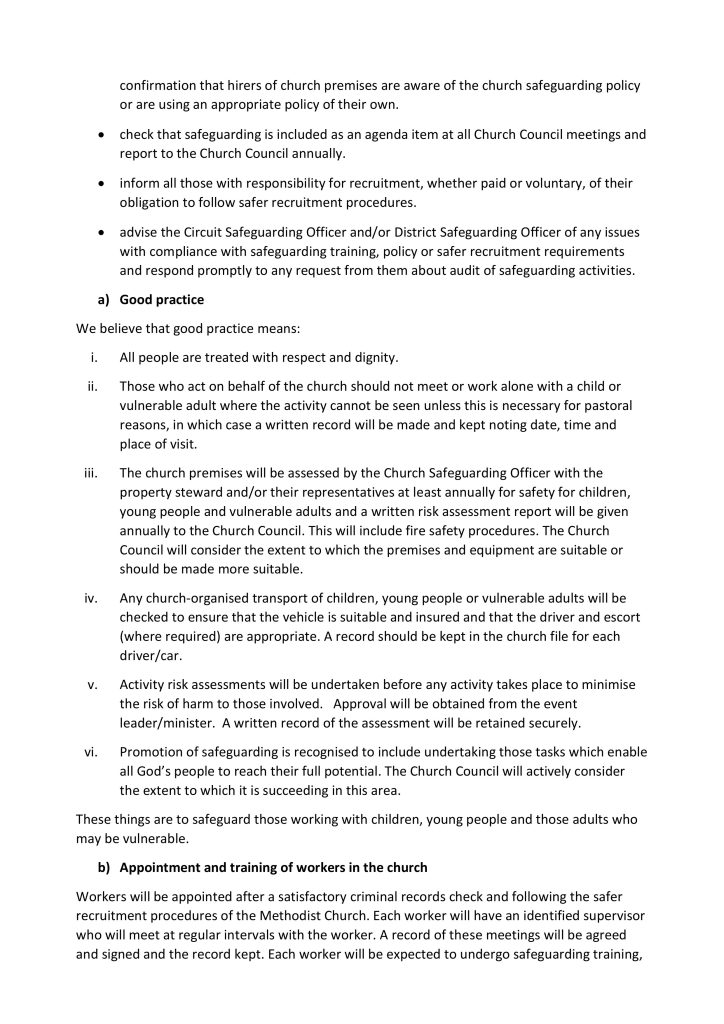
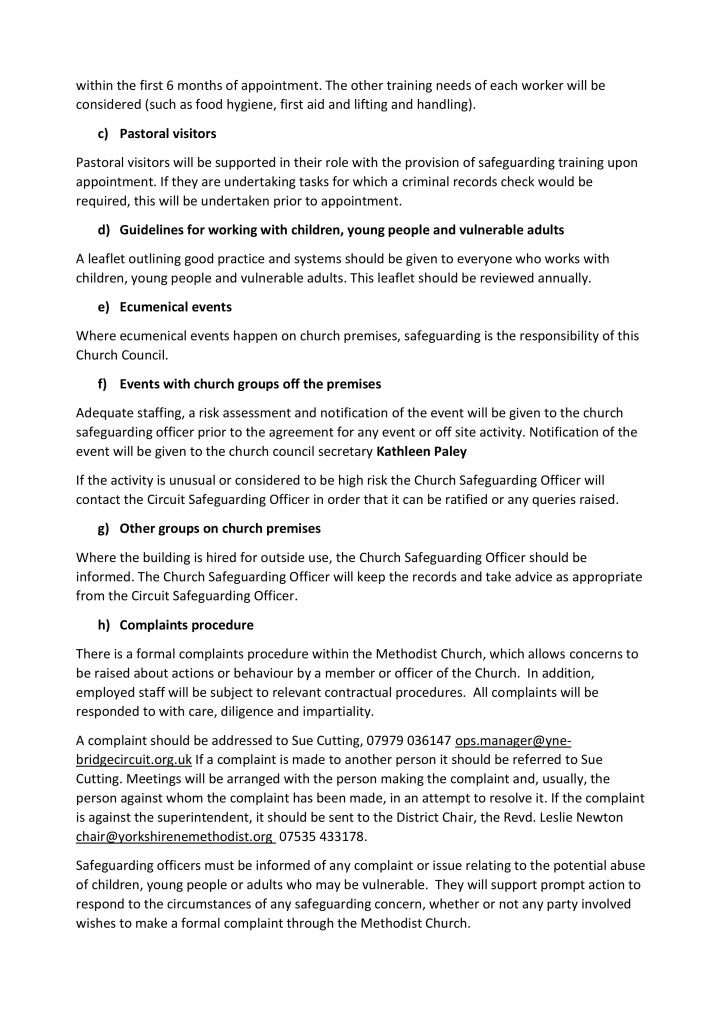
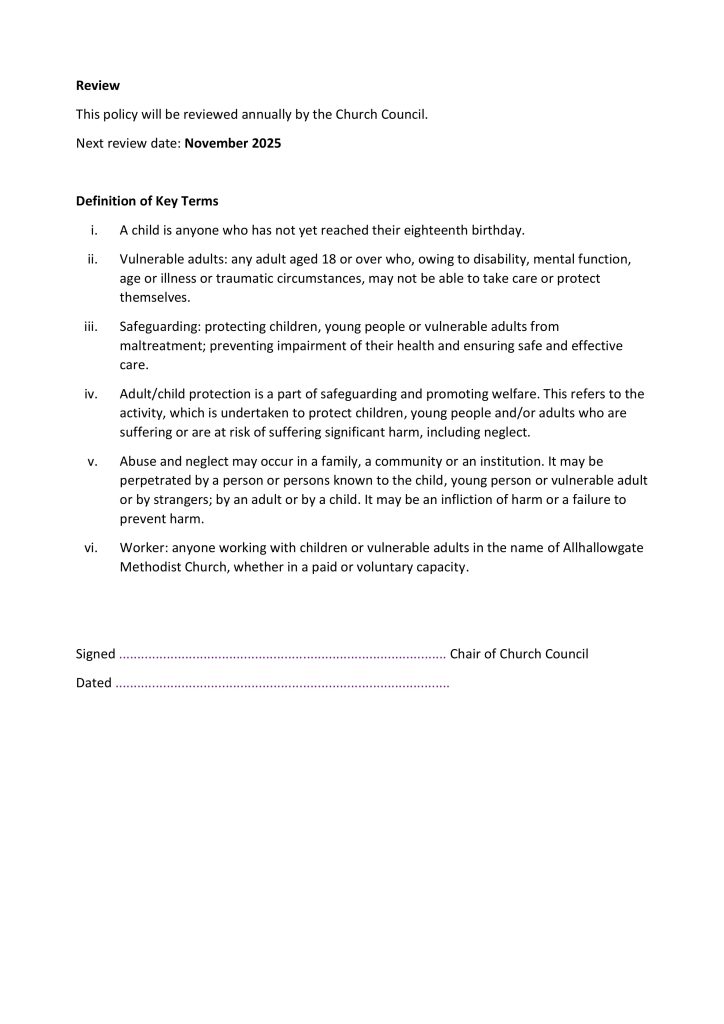
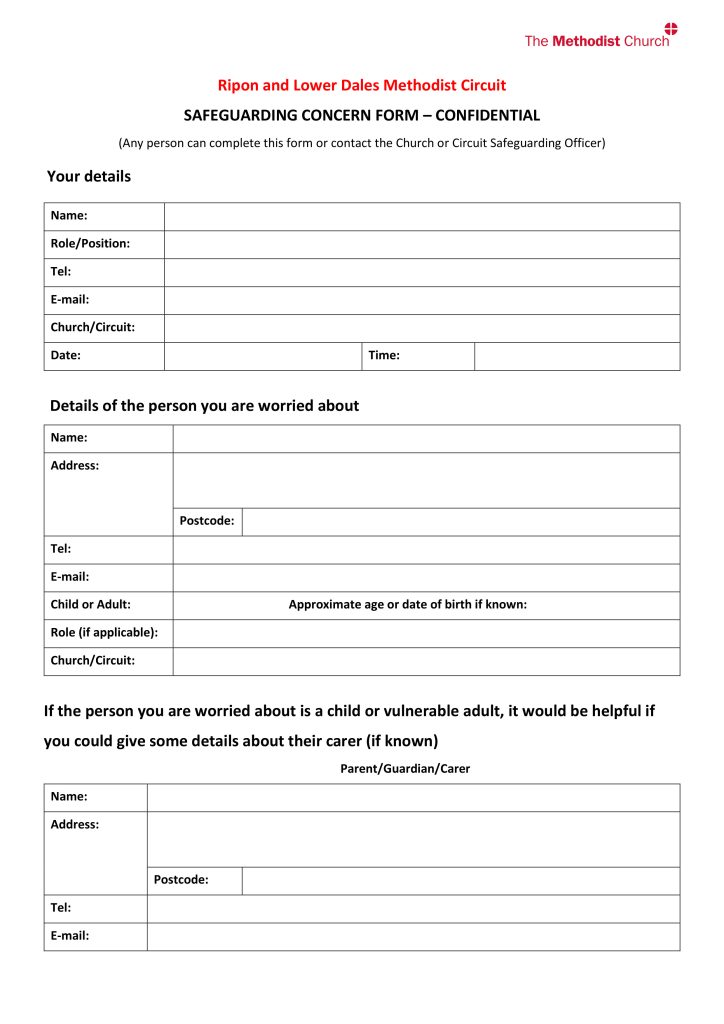
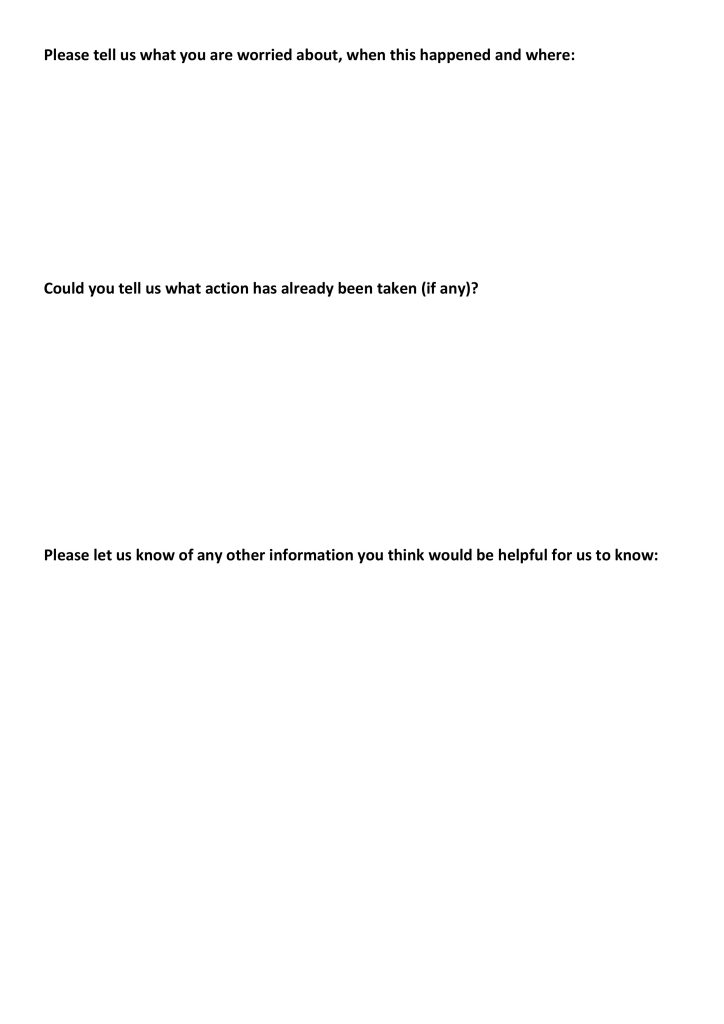
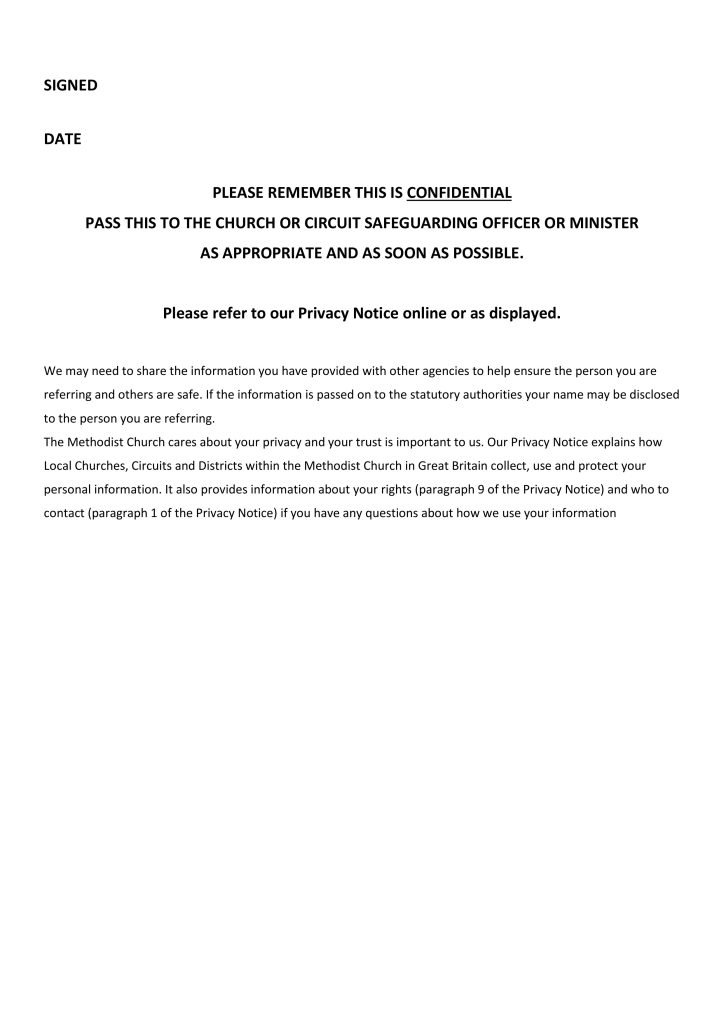
CONCERN FORM (Also Available on our Halls Notice Boards.)
Staying safe online
Using the internet, from a mobile phone, tablet, laptop or personal computer helps us to stay in touch with
family and friends and access information, online shopping , entertainment and worship.
Many of us have increased our use of the internet during the pandemic, communicating more by email and
using Zoom, FaceTime and other ways of staying in touch, as well as worshipping online. We have been
grateful for it.
Just as you take precautions in day to day life, such as locking the door of your house and being careful in
public places, so it is important to take safety measures to safeguard yourself online. Here are a few
reminders of how we can keep ourselves and others safe, as important online as with face to face contacts.
Top Tips for Staying Safe Online
- Lock your devices such as your phone or laptop with a strong password, just as you would lock the
door to your house. This can help to protect your information if your device is lost or stolen. - Use strong passwords, not something personal to you and never share them with anyone. Use a
different password for your device and your email account. - Don’t open emails or attachments from someone you don’t know; this is a way that criminals can
use to bypass your security systems. - Avoid clicking on a link in an email which looks strange, even if you know the person who sent it. If
it looks strange it’s best to delete it. - Ignore emails or other communications which create a sense of urgency, urging you to respond
immediately to a crisis such as an issue with your bank account or TV licence. This type of message
is often a scam. Think before you act. - Always question requests for personal information; criminals can impersonate your bank or the
police or anyone you trust so that they can steal your information or money. Always take time to
check up on the request through a trusted source; do not phone back on the number the caller has
given you. - When sending an email to multiple addresses, send it to yourself and blind copy (bcc) the other
recipients. Otherwise anyone can see other people’s email addresses. - If hosting a Zoom meeting, only allow in people you have invited or know.
- Do not share the details of a Zoom meeting with other people. It is for the host to invite people.
As with any other safeguarding concerns, contact the Police in an emergency. If not so urgent, then speak
to your Minister, your Church Safeguarding Officer or Karen Emms, the Circuit Safeguarding Officer.